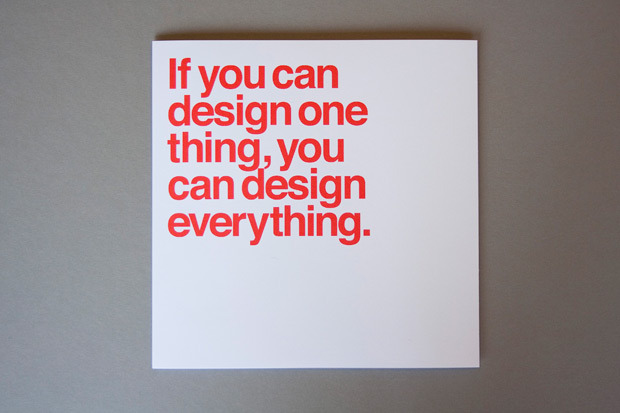
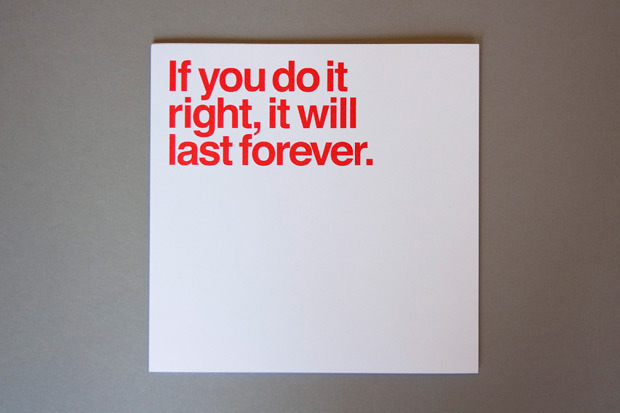
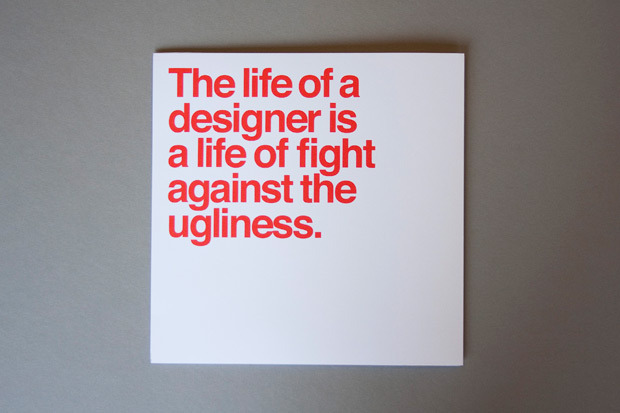
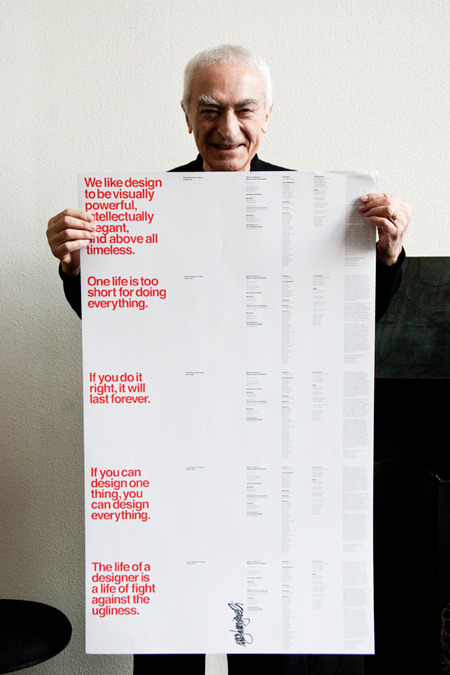
This can easily be one of the best moments in my life, when people take efforts to look you up, know what you are doing and come talk to you about it!
After all the hard work at National Indian Gaming trade show at San Diego, we decided to visit Hotel del Coronado to have some classic Margaritas with awesome view of the beach. We were in our Yapsody T-shirts. While cooling and sipping our drinks, a couple came to us and said, “We looked up you guys online, so you guys are giving ticketmaster a run for their money!, Good job with innovative business model.”
This is what matters, people appreciating how we are trying to revolutionise the entertainment and ticketing industry.
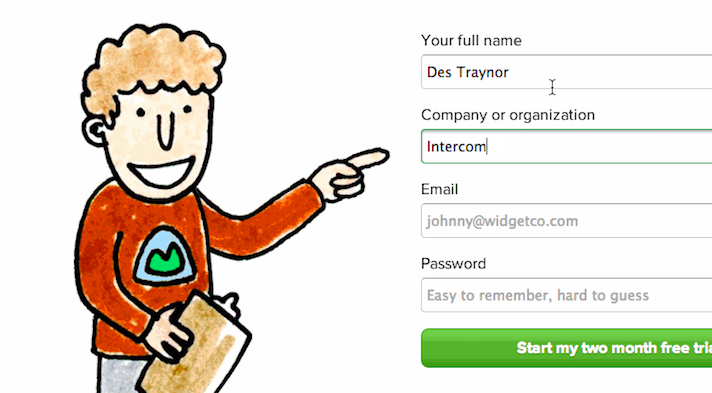
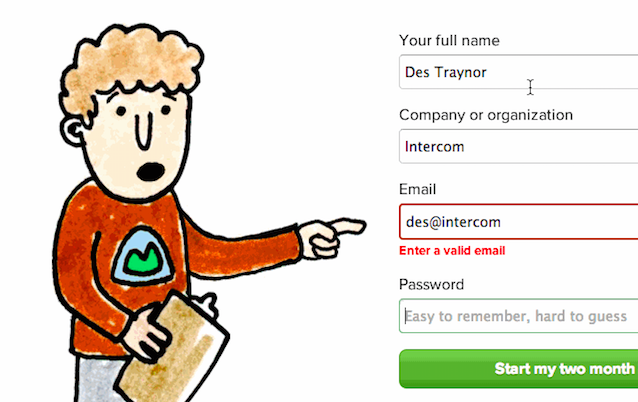
Why ‘Sign Up’ and ‘Sign In’ Button Labels Confuse Users
If you want to give your users a fast and mistake-free login experience, avoid using ‘sign up’ and ‘sign in’ together on your buttons. Instead, make the button labels distinct from each other by using different verbs. There are alternative ways to say ‘sign up’ and ‘sign in’ that mean the same thing. A better way to say ‘sign in’ is ‘log in’. If you want to use ‘sign up’ as a button label, use ‘log in’ with it. The verbs are different and won’t cause as much confusion. However, if you want to make your button labels more distinct than that, use a more descriptive phrase for ‘sign up’.

Read more from the link below…
The Right Way to Ask Users for iOS Permissions
For many apps, not getting access to a phone’s sensors or data can change the entire user experience. For example, if an app depends on where the user is standing, declining access to location could render the app useless. More subtly, if push notifications play a critical role in getting your user to form a habit of using your app, declined access could lead to you losing them forever.
WHITE by Kenya Hara
Our children are disconnecting with nature. By the time they are seven years old, most youngsters have been exposed to more than 20,000 advertisements. They can identify 200 corporate logos, but they cannot identify the trees growing in their front yards.
When we stop distracting ourselves, and courageously dive into the heart of any feeling, positive or negative, right or wrong, we rediscover the vast ocean of who we are. Every feeling is made of unspeakable intelligence.
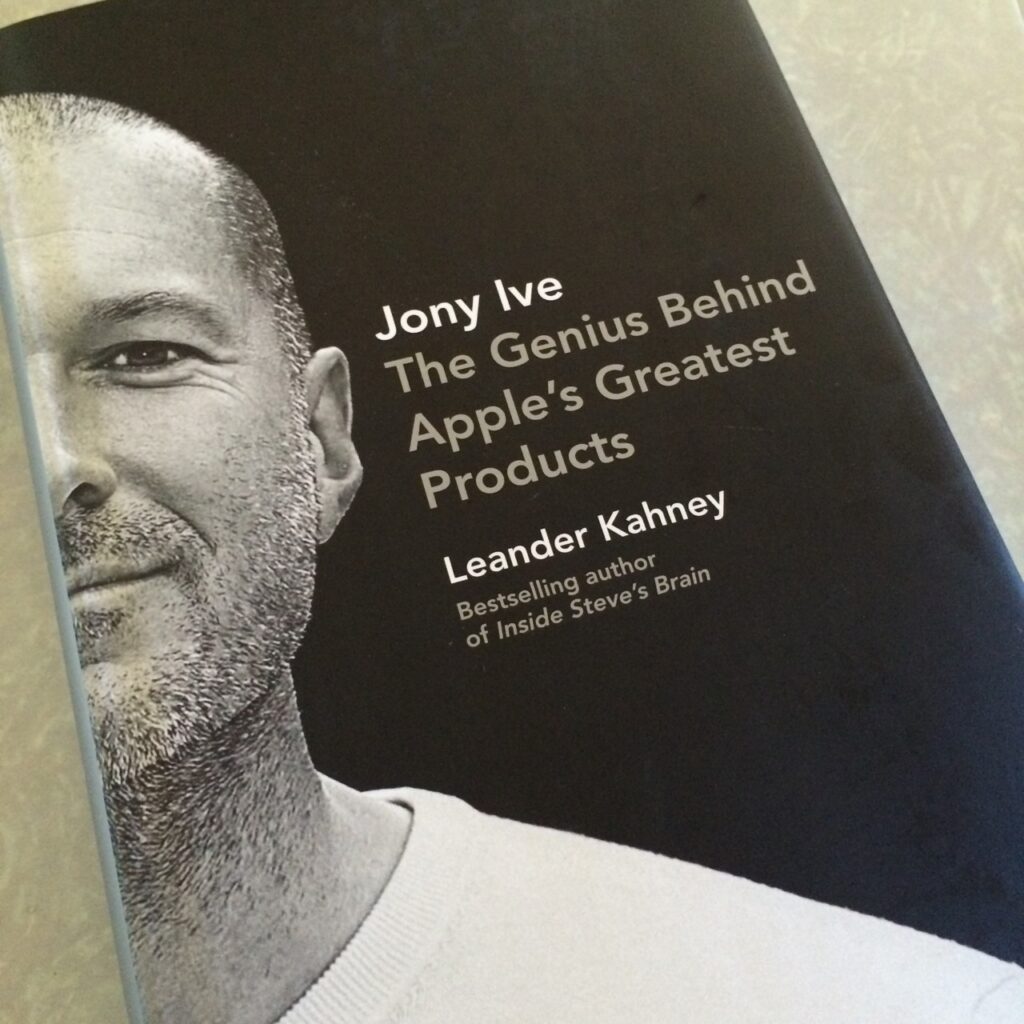
About to start reading… Johny Ive – The Genius Behind Apple’s Greatest Products
Design is a funny word. Some people think design means how it looks. But of course, if you dig deeper, it’s really how it works. The design of the Mac wasn’t what it looked like, although that was part of it. Primarily, it was how it worked. To design something really well, you have to get it. You have to really grok what it’s all about. It takes a passionate commitment to really thoroughly understand something, chew it up, not just quickly swallow it. Most people don’t take the time to do that.
Design Thinking for Social Good: An Interview with David Kelley

What I mean by design is doing things with intention, trying to decide what’s important to somebody, building a bunch of prototypes and showing them around, developing a point of view and getting it out so that it has impact in the world. So design is really a process of making impact on the world by doing this kind of creation of something new to the world and then getting it out there.
The Original 1984 Macintosh Introduction: the magic moment, when Steve Jobs unveils the Macintosh and releases it from its bag.
Related articles,
http://www.folklore.org/StoryView.py?project=Macintosh&story=Intro_Demo.txt
http://scottknaster.blogspot.in/2014/01/how-lost-mac-intro-video-was-found-and.html?m=1
As a venture capitalist, people often ask me why big companies have trouble innovating while small companies seem to be able to do it so easily. My answer is generally unexpected. Big companies have plenty of great ideas, but they do not innovate because they need a whole hierarchy of people to agree that a new idea is good in order to pursue it. If one smart person figures out something wrong with an idea — often to show off or to consolidate power — that’s usually enough to kill it.
We all agree to these Terms & Conditions before entering this world.
(Via Designspiration)
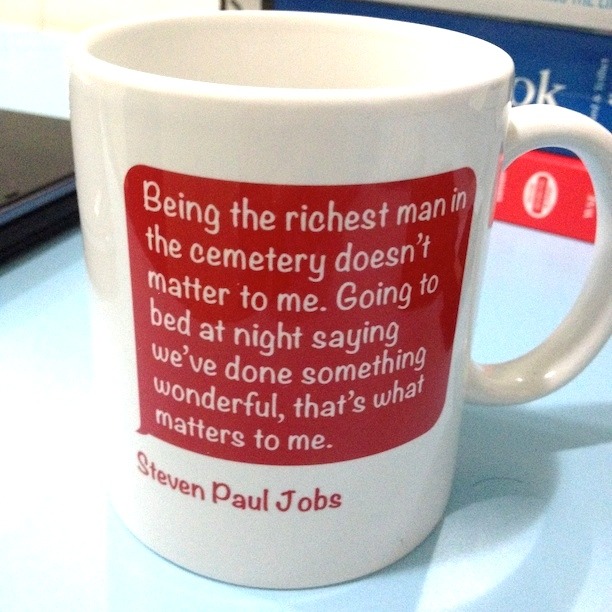
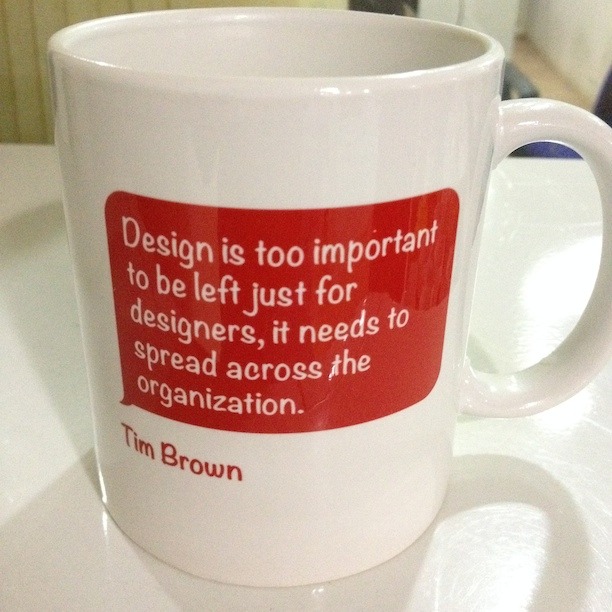
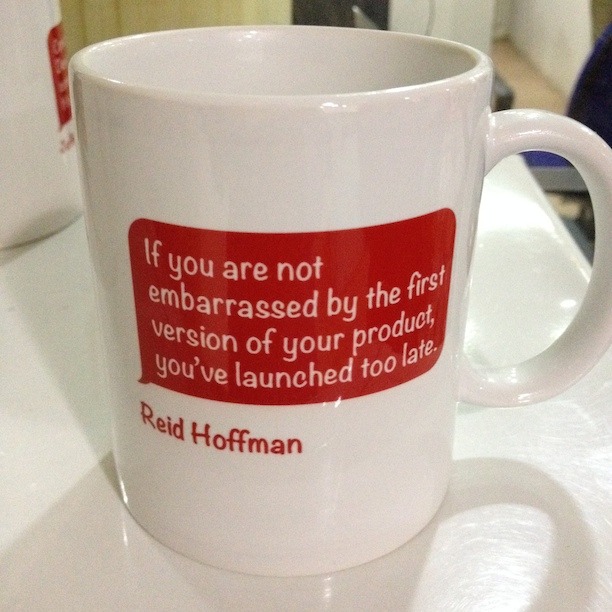
My little side project at workplace… To start a day with daily dose of motivation.
What you will learn from this book
In Detail
Facebook provides an iOS SDK to third party developers which allows them to develop iOS applications. These applications are then made available on the app store, from which the developers are entitled to 70 percent of sales revenue. Embedding these Facebook iOS SDK features takes applications to the next level of user engagement.
Starting with the process of setting up a Facebook developer account, we will use hands-on examples to walk you through developing and integrating social element like inviting others to use your software. This book focuses on detailing and documenting the process of developing an actual application. Through the course of the book, you will learn to use iOS SDK features in your code flawlessly.
Aiming to simplify the process of embedding Facebook iOS SDK features in your app, each chapter focuses on a new feature, and as you move through the chapters, you will find yourself embedding more functionality in your application. We begin with the creation of a new Facebook App ID before creating and setting up a project. Through the course of the book, you will use social platforms to authenticate users and fetch their social information to make your project more attractive and engaging. The book emphasizes on sharing functionalities, such as inviting friends through Facebook messages with the sole intention of making the app viral. By the end of the book, you will look at how to use the Facebook News Feed to make your app go viral. By the end of the book you will have built a powerful application using the world’s largest social media platform.
Requirements:
Process:
sudo /Applications/Install OS X Mavericks.app/Contents/Resources/createinstallmedia --volume /Volumes/Untitled --applicationpath /Applications/Install OS X Mavericks.app --nointeraction
WARNING: Improper use of the sudo command could lead to data loss
or the deletion of important system files. Please double-check your
typing when using sudo. Type "man sudo" for more information.

To proceed, enter your password, or type Ctrl-C to abort.

Password:
Erasing Disk: 0%... 10%... 20%... 30%...100%...
Copying installer files to disk...
Copy complete.
Making disk bootable...
Copying boot files...
Copy complete.
Done.
And it is done!
Human-Centered Design Considered Harmful
Why do these devices work so well? The basic reason is that they were all developed with a deep understanding of the activities that were to be performed: call this Activity-Centered Design. Many were not even designed in the common sense of the term, rather, they evolved with time. Each new generation of builders slowly improved the product upon the previous generation, based on feedback from their own experiences as well as from their customers. Slow, evolutionary folk design. But even for those devices created by formal design teams, populated with people whose job title was “designer,” these designers used their own understanding of the activities to be performed to determine how the device would be operated. The users were supposed to understand the task and to understand the designers’ intentions.
Searchable full-text transcripts of WWDC sessions
Created by normalizing and indexing video transcript (.srt) files provided for WWDC videos. Check out the app’s source code on GitHub for additional implementation details, as well as information about the webservice APIs made available.